Tidio is a wonderful live chat service that lets you converse with your documentation portal or website visitors in a timely matter and provide them 24/7 customer service thanks to chatbots. And you can have all that in your ClickHelp-powered documentation.
How to Implement
 |
Important |
| You must have a Tidio account to be able to complete the integration. | |
Follow the steps below to integrate Tidio into your ClickHelp documentation site:
- Open your Tidio account settings.
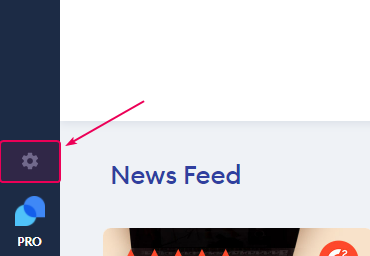
- Go to Live Chat → Installation.
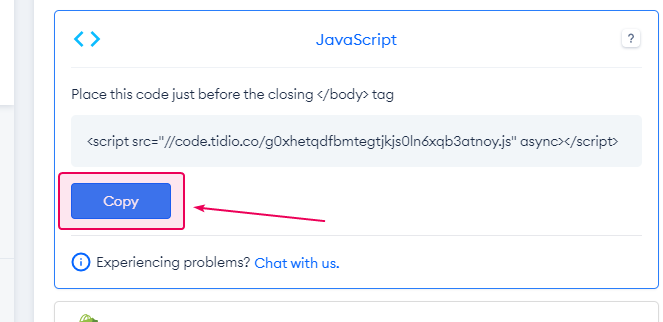
- From the list of options, click the first one — JavaScript, and once it expands, click the Copy button.
- Now go to your ClickHelp portal.
- Navigate to Tools → Portal Settings → Branding → Reader Interface.
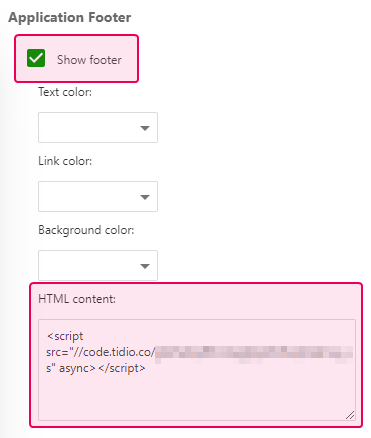
- On the right side, find the section called Application Footer.
- Check the Show Footer checkbox and insert the code to the HTML content field below.
- Save the changes.
You should immediately see the chat button in the preview to the left. You can also check how it works by opening your published documentation in a new incognito window.