You can embed a Loom video to your ClickHelp documentation by following the steps below:
-
First, click the Share button at the top of the page of the video you want to embed.
-
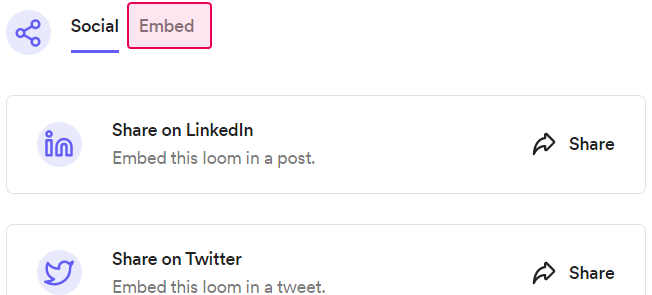
Then, click Embed at the top:
-
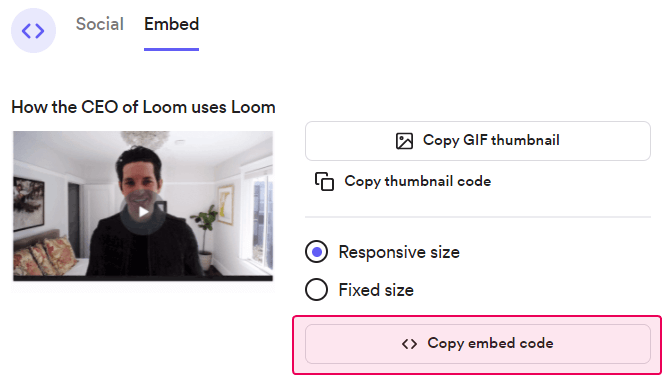
Click Copy embed code:
- Go to a topic you want to embed the video in and click Edit.
-
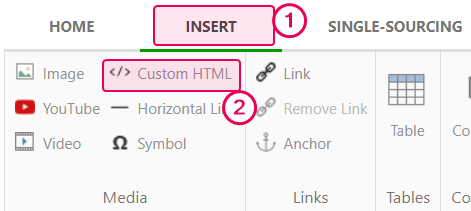
Click Custom HTML on the Insert tab:
-
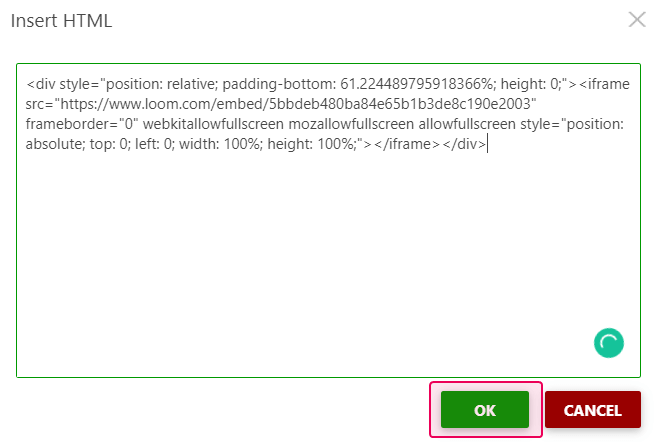
Insert the code and click OK:
The loom video should be embedded in your topic with available video controls. Here's a live example: