Since you can add various content to all project topics using the project's Topic Master Page settings, you can insert the Breadcrumb navigation element into all project topics.
Here's how you can do it:
- Go to the Settings of a project and select Topic Template → Topic Master Page from the left menu.
- Uncheck the Use parent level settings checkbox.
-
Paste the HTML markup of the Breadcrumb navigation element to the Topic header HTML field.
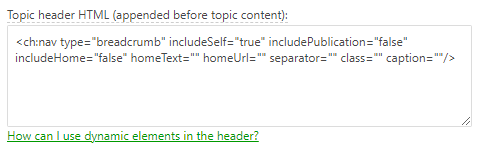
The default Breadcrumb navigation element code is the following:
HTML<ch:nav type="breadcrumb" includeSelf="true" includePublication="false" includeHome="false" homeText="" homeUrl="" separator="" class="" caption=""/>

Tip You can get the markup you need by inserting the Breadcrumb navigation element into the topic's body, choosing the settings you like, and then switching to the Source View mode to get the code. - Click Save Changes.
After doing so, you will get a Breadcrumb at the beginning of all topics in the project.