This topic describes how to get a direct link to a specific section or heading of a published topic.
- Open a publication and head over to a topic with a heading (section) to which you need to get a link.
-
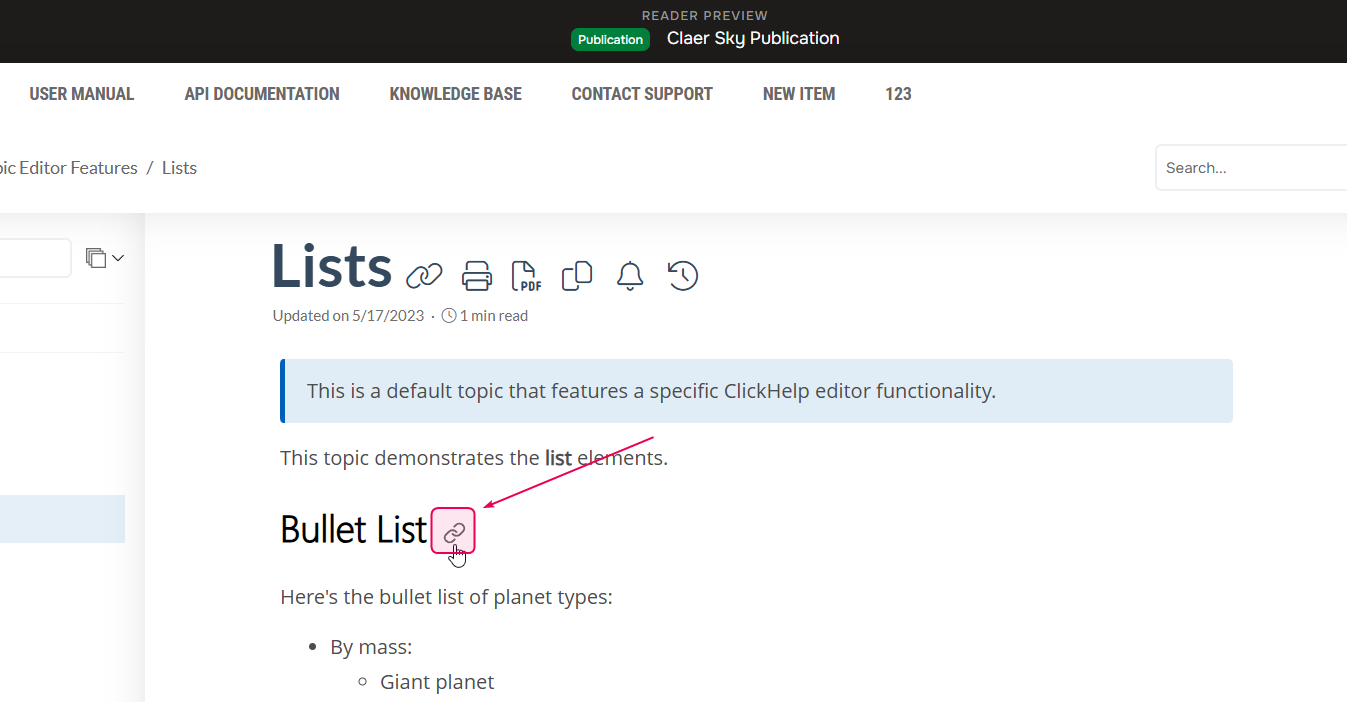
Hover over the required heading and select Link to this heading.
-
Copy the URL from the browser address bar to get the link to the topic's section. It should look like this:
https://docs.hedronlabs.org/articles/#!making-robots-publication/drawing-robot/a/h2_1690053508