To change the visibility level of a Publication, do the following:
- On the Projects page, hover over the desired publication.
- Click the three-dot icon (⋅⋅⋅) to open the menu.
- Select Settings.
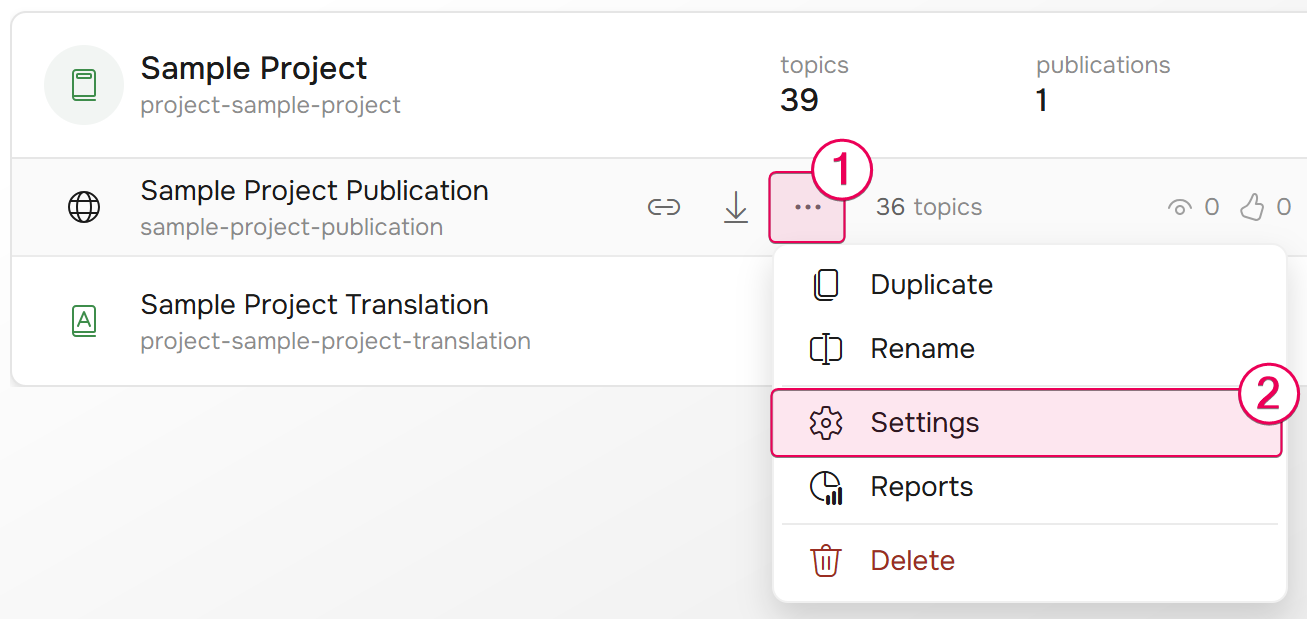
- Switch to the Visibility & access section.
- Select the publication visibility.
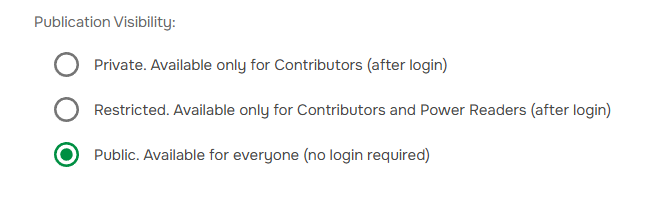
- Configure access in case the publication is Restricted or Private.
- Click Save to apply your changes.