Documentation index for AI tools: /llms.txt
Download an Invoice
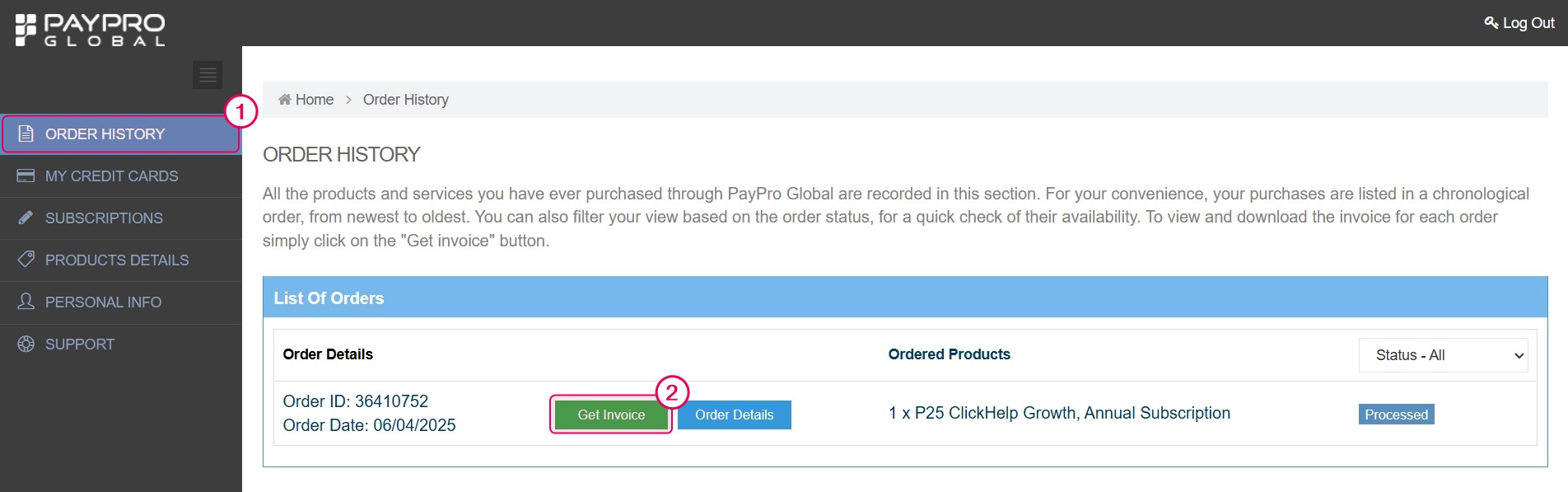
- Log in to your PayPro Customer account and go to the Order History section.
- Find the order you need an invoice for and click the green Get Invoice button.
| Invoices are also automatically emailed to your billing contact after each payment or renewal. |
Change Your Payment Method
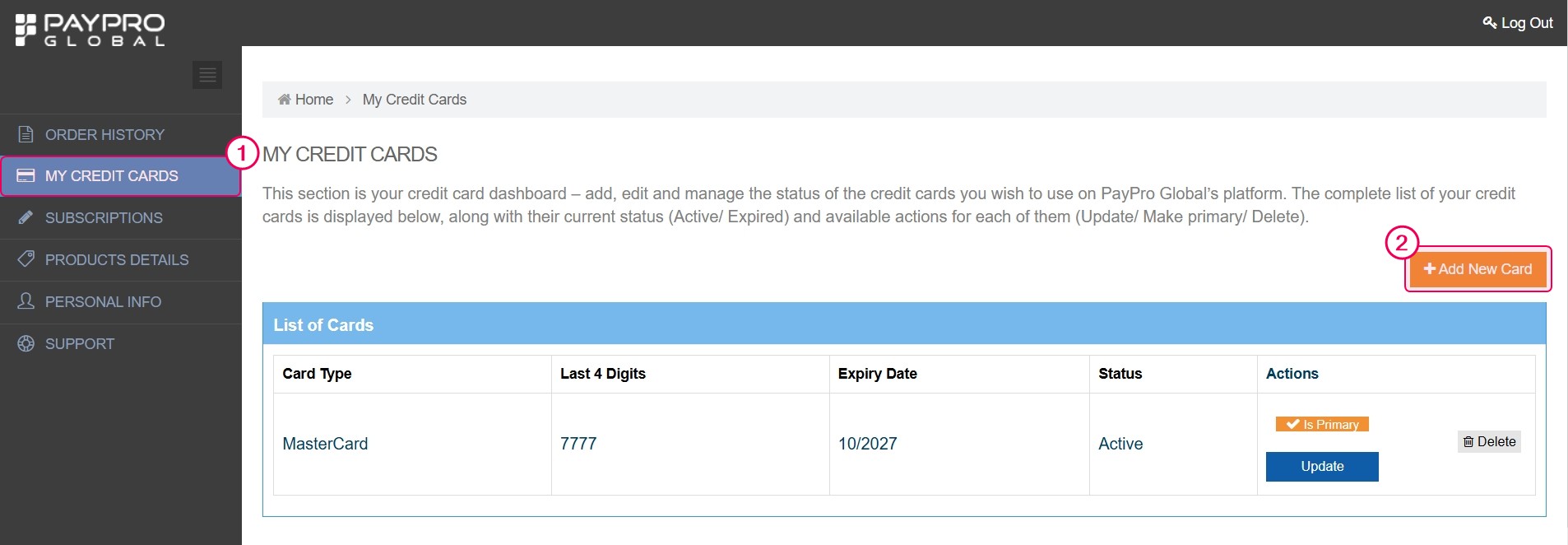
- Log in to your PayPro Customer account and go to My Credit Cards.
-
Click Add New Card to add a new payment method.
- If you have multiple cards, click Make Primary next to the one you'd like to use. The old card remains available in My Credit Cards section and can still be used or deleted if needed.
Your new primary card will be charged automatically at the next renewal.
| Updating your card does not trigger an early payment — the new method is used only when the next billing cycle starts. |
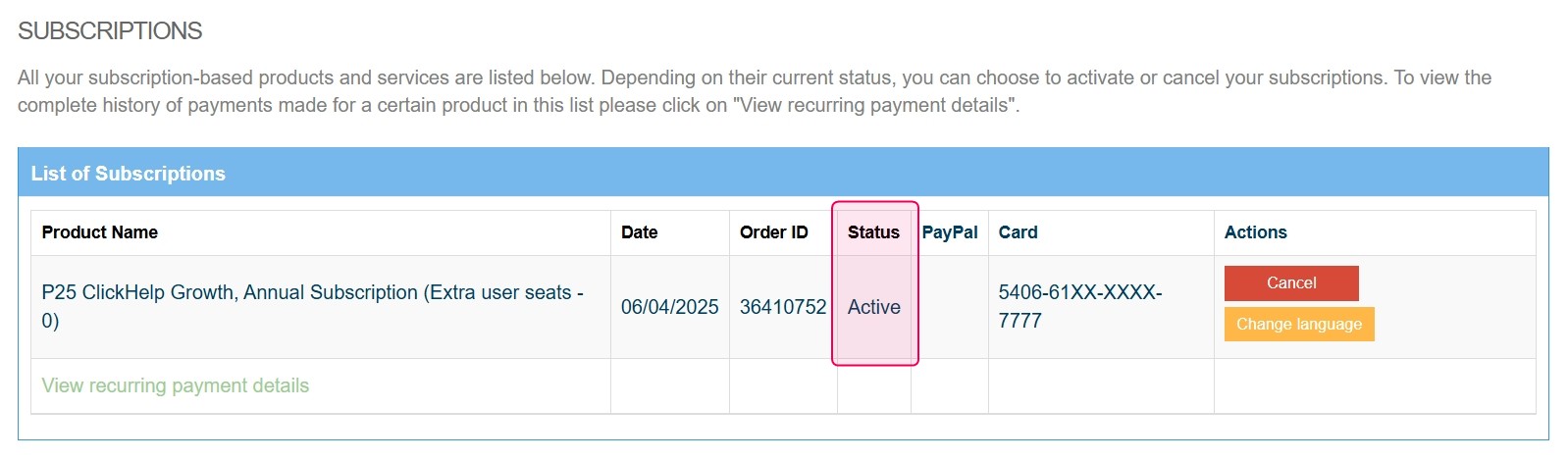
Depending on your subscription status:
| Status | Action |
|---|---|
| Active | The new card will be charged automatically at the next billing cycle. |
| Suspended | Click Renew to trigger a payment attempt within 12 hours. If you experience issues, contact us at success@clickhelp.com or submit a support request. |
| Canceled | If your subscription was canceled and you want to renew, contact us at success@clickhelp.com or submit a support request. |