In ClickHelp, you can view any older version of a topic. To open the topic versions list, go to properties of the needed topic by clicking the Properties button in the topic viewer, and choose the Version History category there.
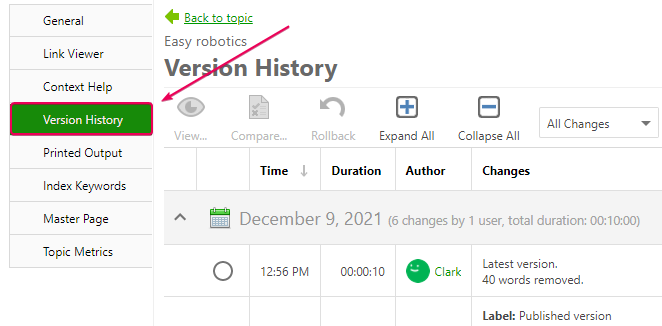
Or open a topic and click History in the topic toolbar.

| The number of words added or removed mentioned on the list of versions is merely statistical as some changes can happen in the HTML code and are not visible. Those numbers give you a good idea of the number of changes in a specific version. |
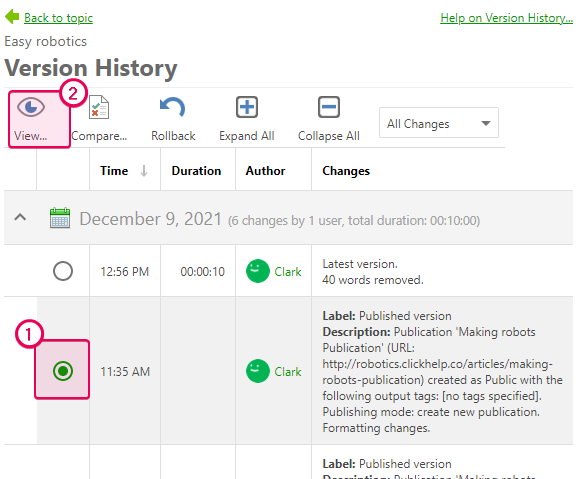
Choose the topic version you want to view, click the View button that will become active.
This is what the topic version will look like in the Version Viewer:
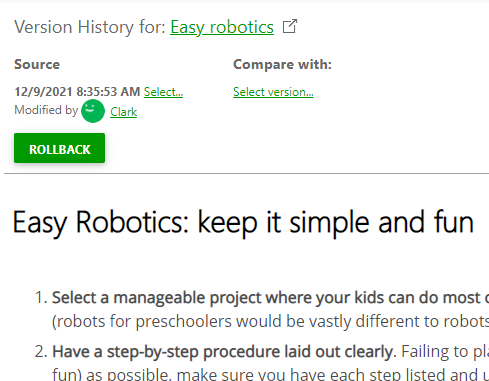
You can switch between Design and Source to preview the version and examine its HTML code.

The Select... link opens the list of available topic versions so that you can view any topic and switch among versions quickly.

Learn more on history tracking: