Documentation index for AI tools: /llms.txt
Once you create an Export Preset, you can apply it to any project or publication during its export to one of the downloadable formats, except the CHM and HTML-based ones.
- Navigate to the Projects page.
- Hover over a project or a publication to see contextual actions.
- Select Publish or Export, respectively.
- Specify the printed format.
- If you are exporting a project, click Next.
-
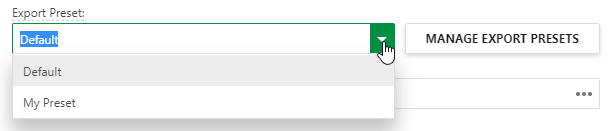
Select an Export Preset.
- Proceed with the export.
The Export Preset will be applied to the output.