In ClickHelp, you can create tables from scratch. To insert a new table, do the following:
- Switch to the Insert tab on the ribbon.
-
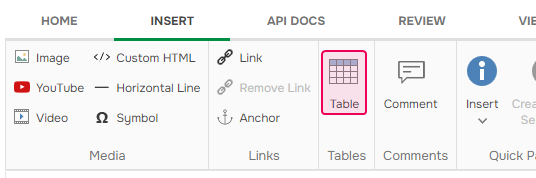
In the Tables section, click Table. The Insert Table dialog will open.
- Specify the desired table's properties in the dialog.
- Click OK.
A new empty table with the specified properties will be added to a topic!