When you have multiple Documentation Sites, you can configure how search works for readers.
| For Contributors, search behavior does not change. They can still search across all projects and publications they have access to. |
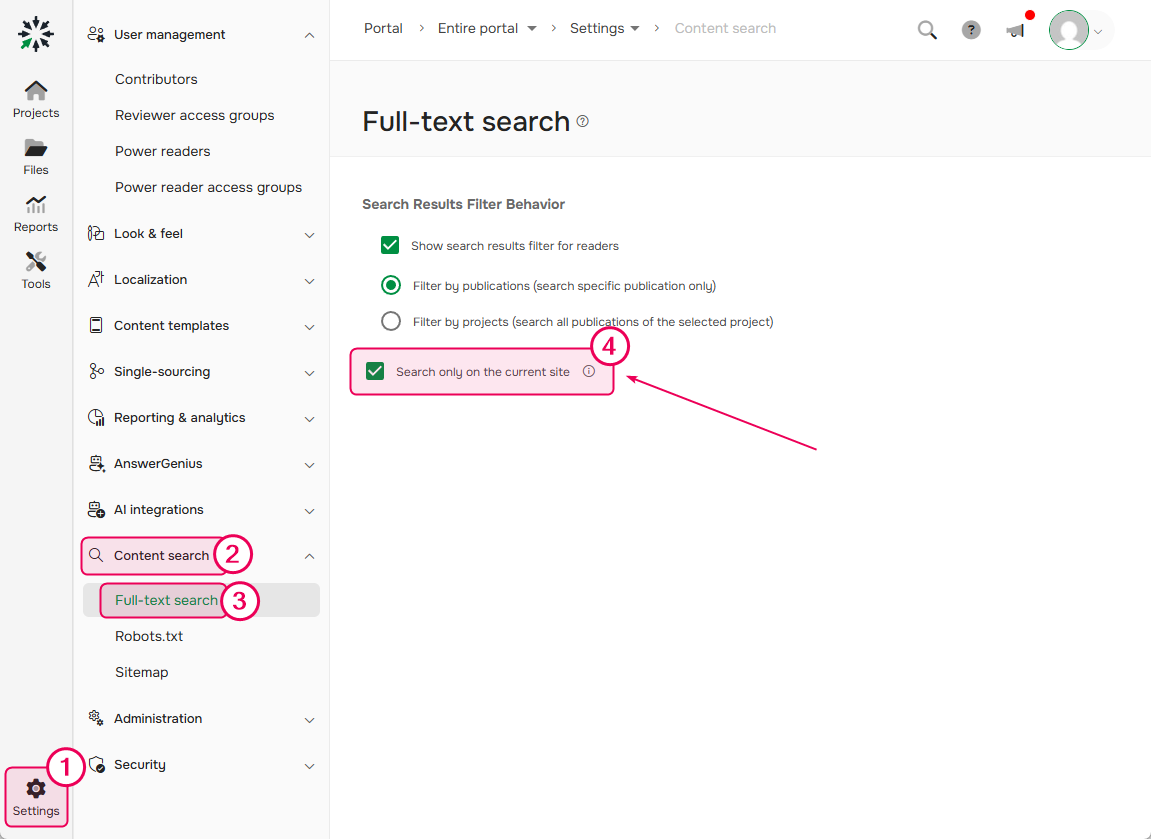
In Settings → Content Search → Full-Text Search, use the Search only the current site option to set how search works:
- Enabled — searches only the site the user is currently viewing. Federated Search doesn't work.
- Disabled — searches across all available sites, including external sources connected through Federated Search (if enabled).