In ClickHelp, you can have multiple sites, each with its own home page. To set this up, you need to configure different home pages and publish them to the corresponding sites.
- Go to Settings → Look & feel → Portal home page.
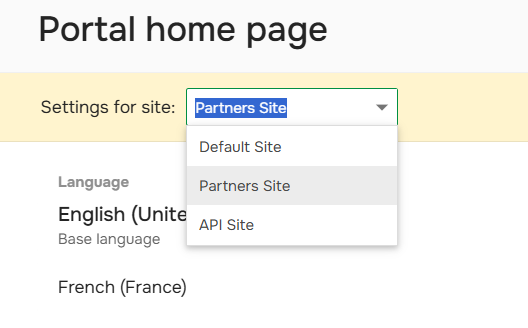
- Select the required site in the drop-down list:
- Configure the home page using the Home page editor or translation editor.
- Publish the home page in the required language.
Repeat the steps for each site.
| If you use the Translation ecosystem add-on you can also configure home pages in different languages for each site. |