Documentation index for AI tools: /llms.txt
A cover page is an essential visual and informational element for printed documentation, such as PDF or DOCX user manuals. It typically displays document metadata, including the document title, product name and company logo, as shown in the example below:
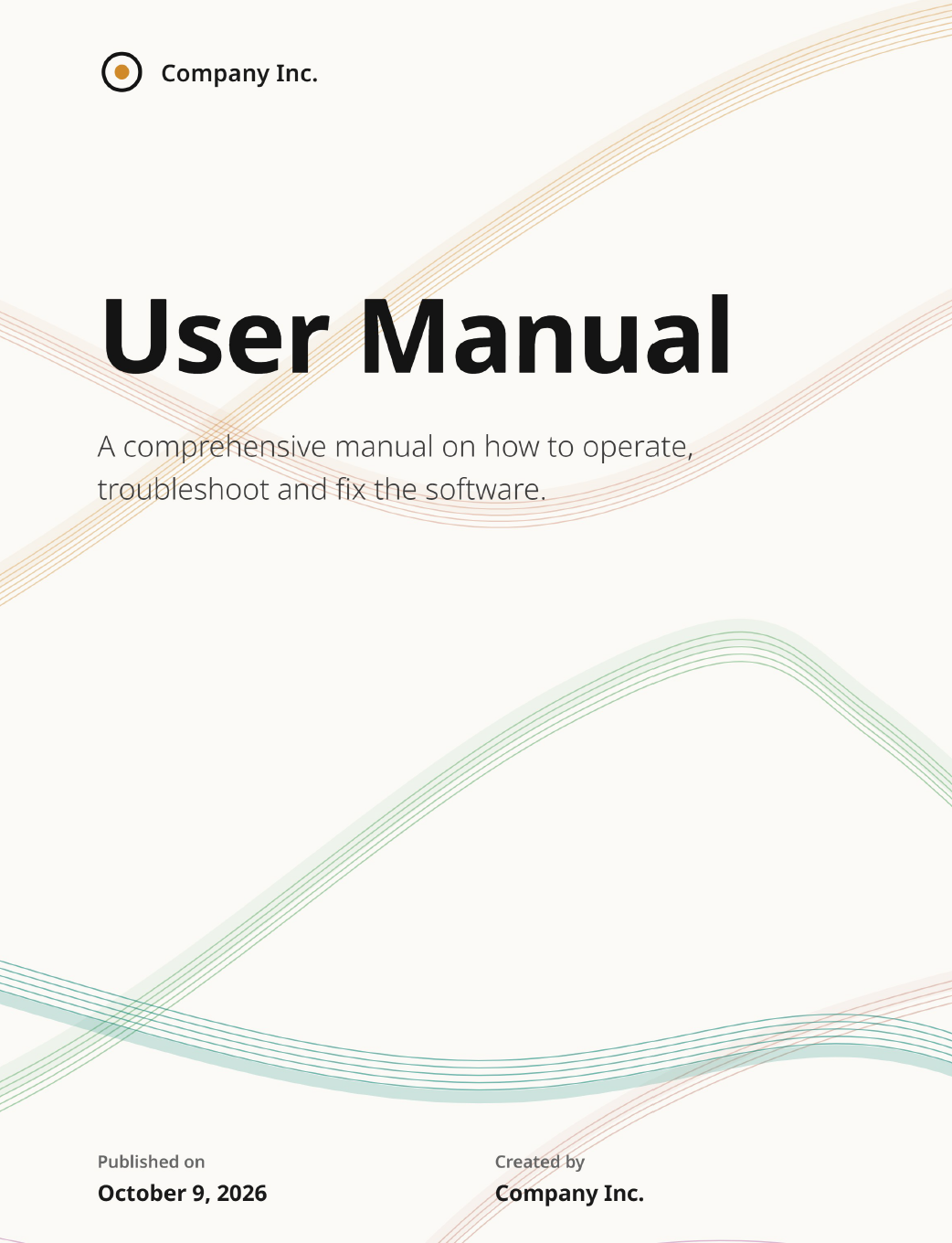
In ClickHelp, you can include a cover page when exporting your online documentation to printed formats. There are two primary approaches to setting up a cover page, depending on your workflow and formatting requirements:
- Word Template: This is the recommended and easiest method. You use a pre-configured Word template that defines the cover page layout and styling. You can customize templates either externally in Microsoft Word or directly within ClickHelp using the built-in Template Editor.
- Manual Setup: A flexible approach where you create a dedicated topic directly within your ClickHelp project and assign that specific topic to act as the cover page.