The Reader Interface (also called the Reader UI) is the part of your documentation portal that your readers see — the layout, navigation, colors, and visual elements that wrap your published content. It is separate from the Contributor UI used by your team for authoring.
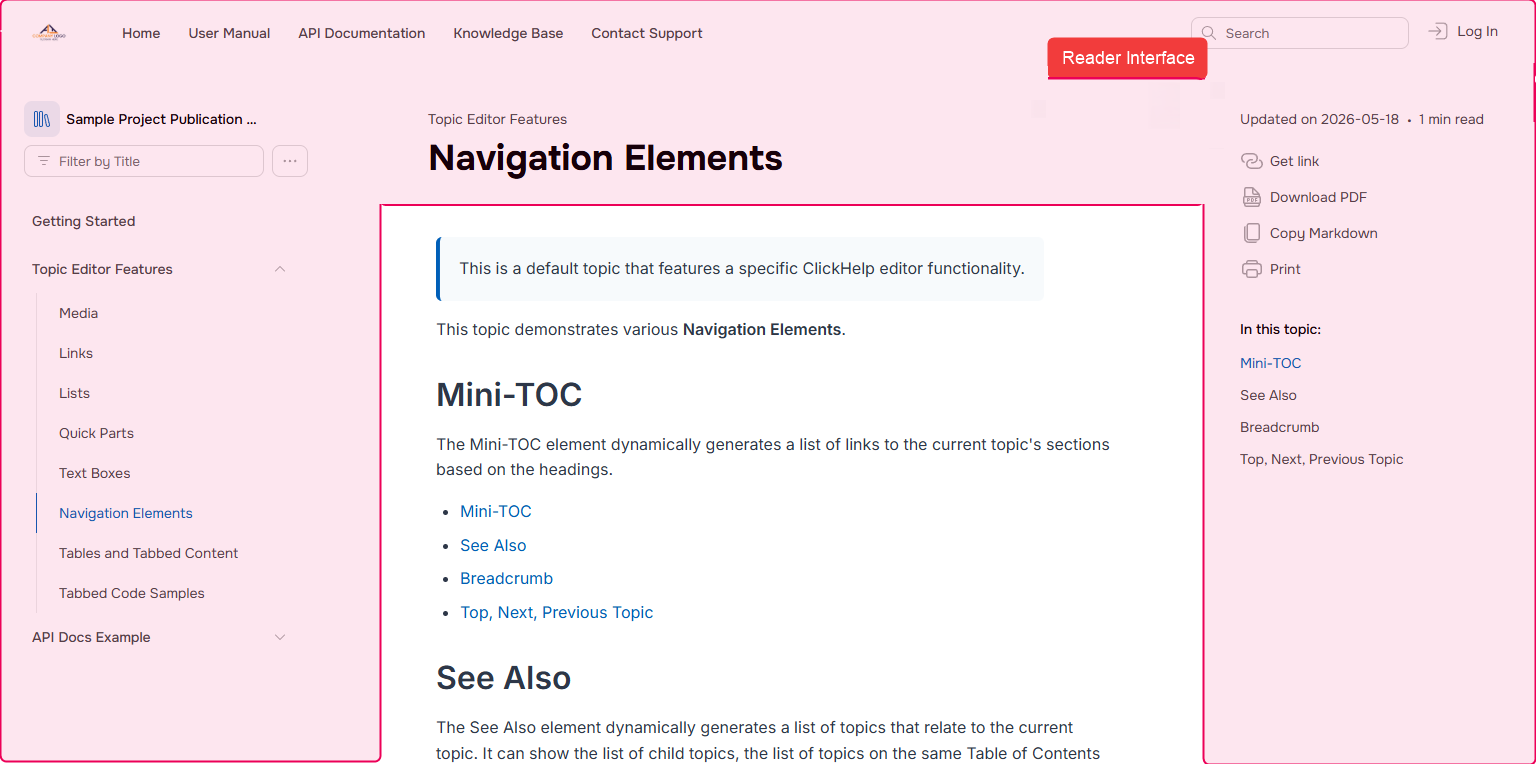
The Reader Interface in ClickHelp is built in layers:
- Reader Interface Template — the layout and base styling. ClickHelp offers two generations of templates: six legacy templates with different visual styles, and a new Next template that brings improved performance, a modern look, and accessibility improvements.
- Reader Interface Settings — fine-grained options applied on top of the active template: colors, content of the right side-bar, available topic options, etc.
- Branding.css — when settings aren't enough, you can extend the look and feel with custom CSS.
You can see some real-life examples of how our customers customized their Reader UIs or we had it done for them in the scope of the Branding Services in our Portal Gallery.
To request Branding Services or get more information about them, feel free to reach out to our Sales team.
For details on each component, see the topics in this section: