Documentation index for AI tools: /llms.txt
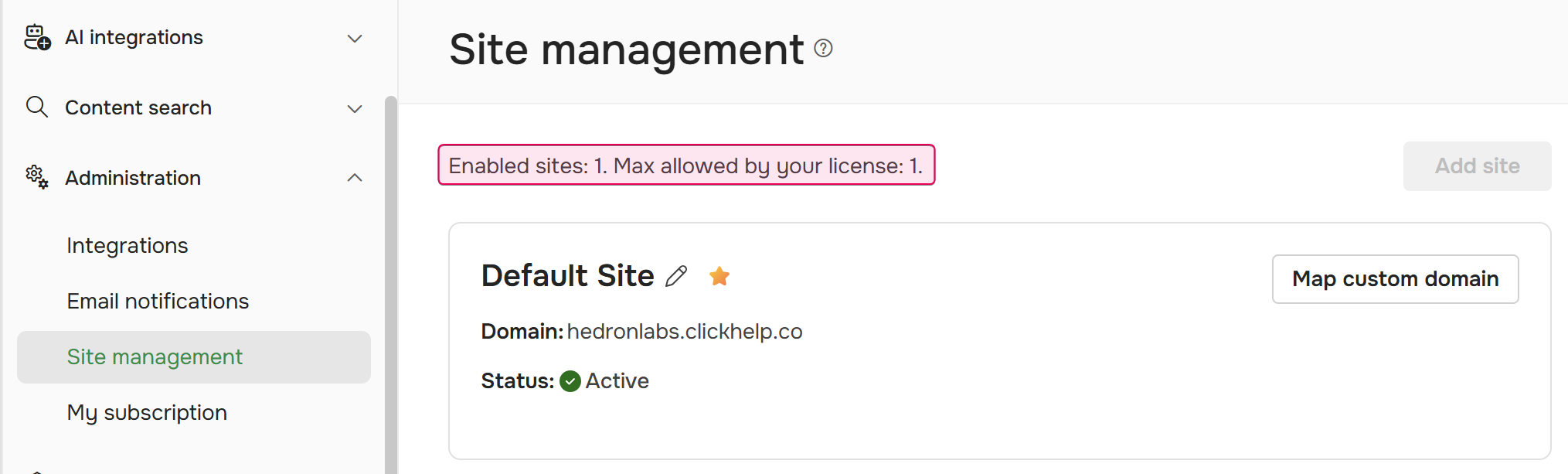
On the Settings → Administration → Site Management screen, you can set up a custom domain for your Documentation Site and — depending on your license — manage additional Documentation Sites. Check the Max allowed by your license line at the top of the page to see which option applies to you:
-
Set up a custom domain. If your license allows you to have only one Documentation Site, you can change the default name (company.clickhelp.co) to a custom one (e.g., docs.mycompany.com).
To do this, refer to the Set Up a Custom Domain Name topic. - Manage multiple Documentation Sites. If your license allows you to have multiple Documentation Sites, you can add, configure, or disable additional Documentation Sites and their respective domains. See Managing Sites for detailed instructions.