This release lets the people who read your documentation connect their own AI agent to your published docs, and adds AI Overview to search.
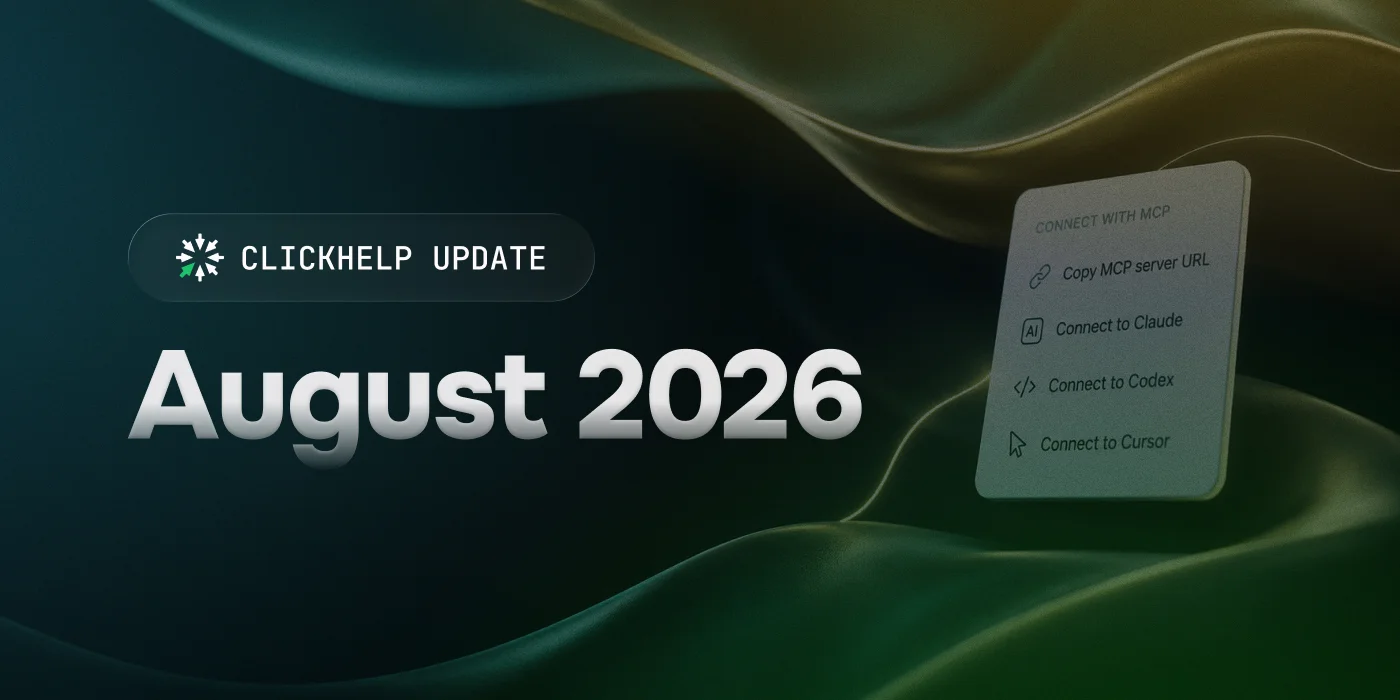
Connect an AI agent to your published documentation
Your product's users increasingly reach for an AI agent — Claude, Cursor, ChatGPT, Gemini — instead of opening your docs in a browser. The Published Docs MCP Server lets them connect that agent to your published documentation. Instead of guessing or working from a stale copy of your docs picked up during training, the agent reads your current published content and answers from what your docs actually say.
An agent sees exactly what an anonymous visitor sees — your public publications, read-only. It can't reach restricted content, unpublished projects, or change anything. You control whether readers can connect at all.
AI Overview in search
AI Overview gives your readers an answer to their question right in search. They ask, get an answer generated from your documentation, and can follow up with more questions — all without leaving search.
AI Overview runs on your existing AnswerGenius configuration — the same settings, custom prompts, and CAPs — so there's nothing new to set up per publication. It's available in the Next Reader UI template, and you turn it on in Full-text search settings.
Let readers follow changes to your documentation
Power Readers can subscribe to a topic — or a whole publication — and get an email when the content changes. Any reader, logged in or not, can open Topic changes to see how a topic differs from its previous version, including from the See what's changed link in a subscription email. Both are now available in the Next Reader UI, and you control each one separately in Reader interface settings.
Improvements
- Quick Publish now shows the full list of topics going into a publication before you publish, so you can confirm exactly what's included instead of guessing.
| The new version will be gradually rolled out within a few weeks. You'll receive a notification 72 hours before your portal's update. The process is seamless with no service interruptions. |