The Next Reader UI is a modern reader interface that provides better performance, improved accessibility, and a cleaner design than the legacy templates.
This article explains how to enable the template, what advantages it offers, which settings it supports, and the current limitations.
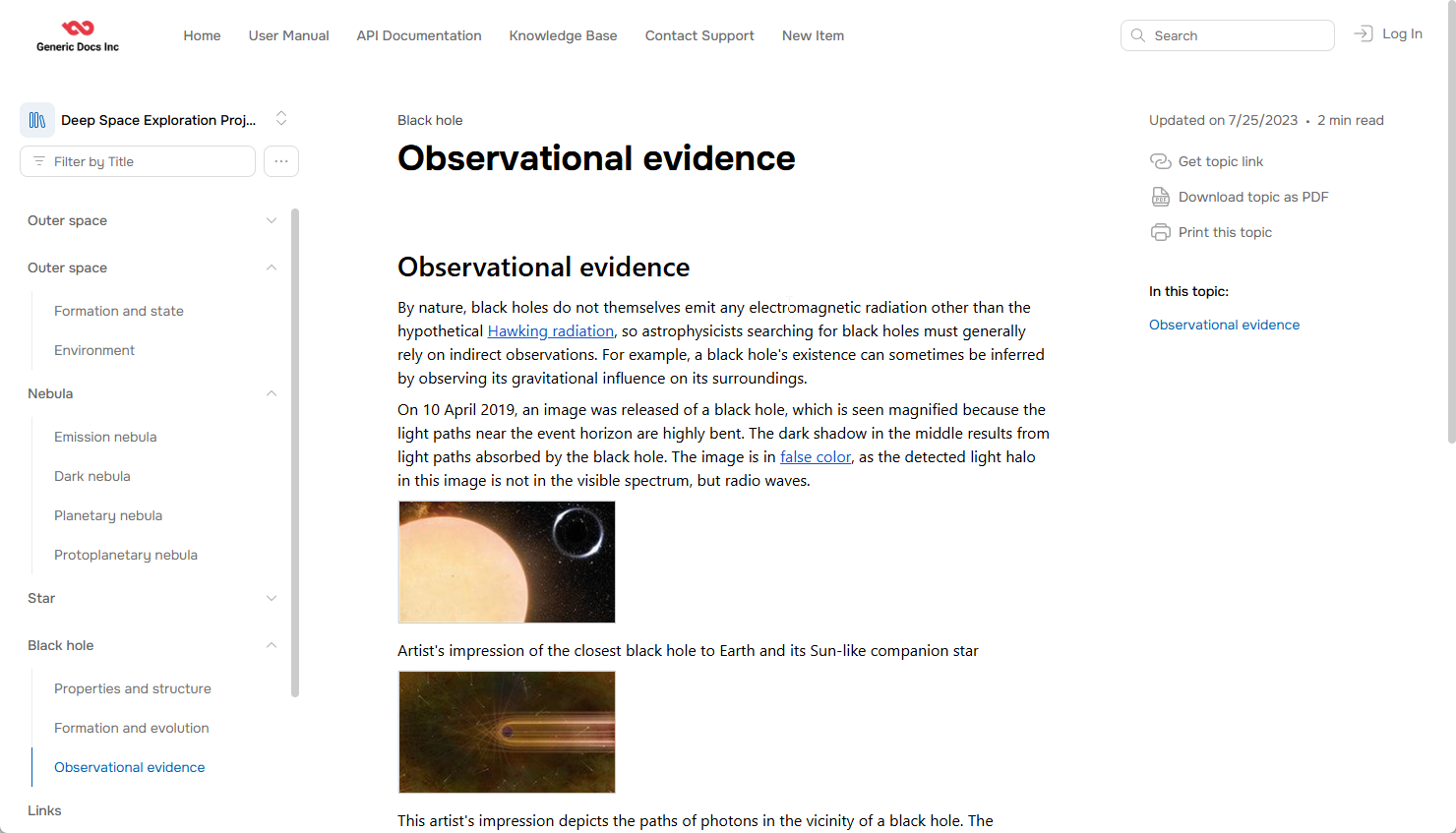
Enable the Next Reader UI
- Go to Settings → Look & feel → Reader Interface.
-
Select the Next template from the list:
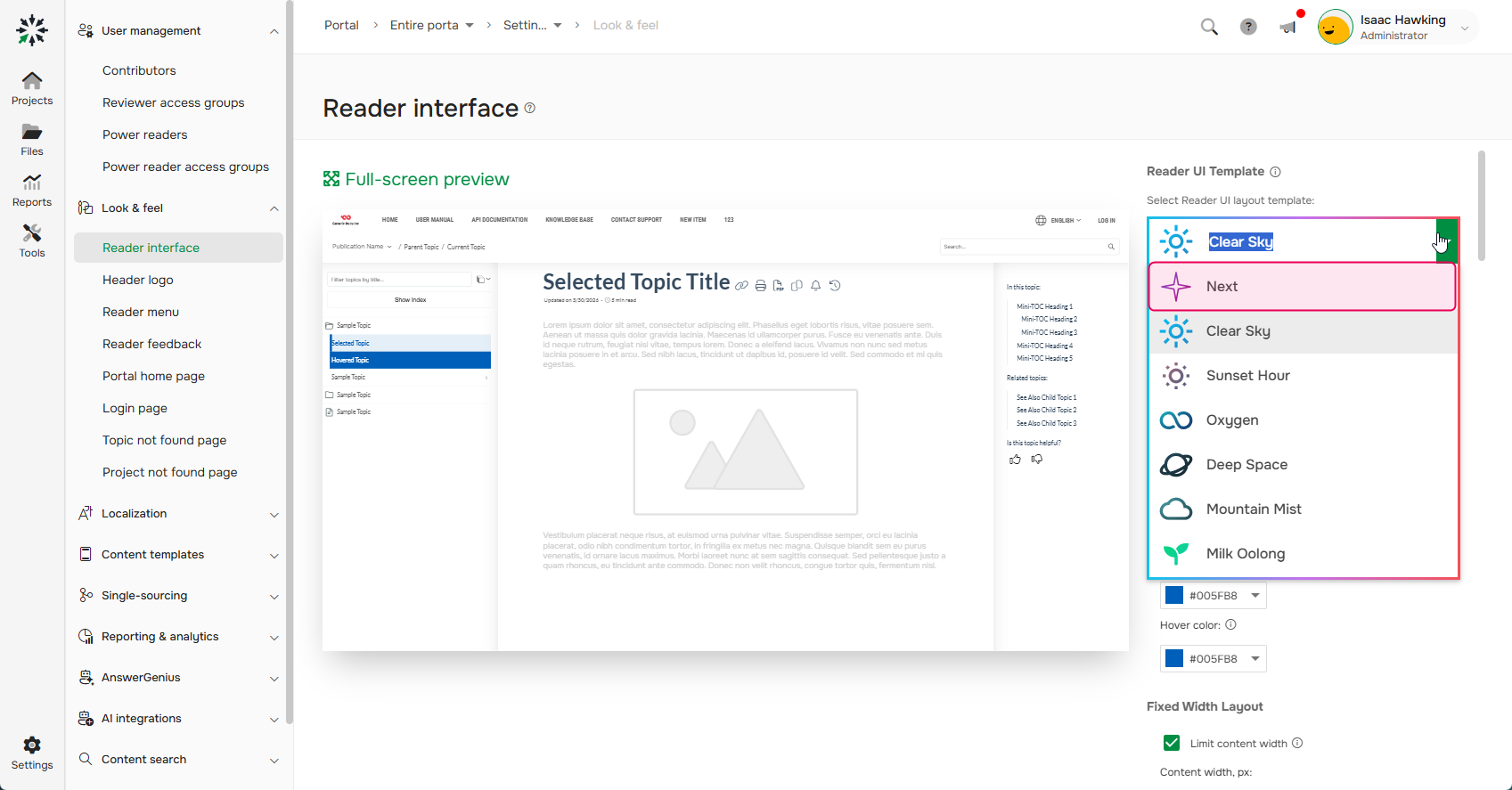
- Save changes.
Advantages
Compared to the legacy templates, the Next Reader UI offers the following advantages:
- Faster page loading.
- A modern and visually appealing user interface.
- A WCAG 2.2 AA-compliant reader interface.
- Better indexing by search engines and AI agents because the template doesn't use hashbang URLs.
- Support for the browser's built-in search (Ctrl+F).
- Support for AI Overview in search.
- Easy access to Published MCP server endpoint URL and ready-to-run commands for popular AI agents.
- Predefined reasons for negative feedback in the Reader feedback widget .
- A topic progress bar.
- Automatically generated breadcrumbs.
- Automatically generated Previous and Next topic navigation links.
- A Back to top button.
- A wider content area for API documentation.
- Automatic highlighting of the current section in the In this topic list.
Supported Settings
Currently, the following Reader Interface settings are available:
- Portal Branding CSS
- Portal Branding script
- Selection color
- Hover color
- Show Index keywords
- Show the Copy Markdown button
- Show the Connect with MCP options
- Allow Power Readers to subscribe to topics
- Allow readers to see topic changes
Limitations
The following features are not yet available in the Next Reader UI:
- Highlighting search input in topics.
- Some of the Reader Interface settings. See the list of supported settings above.
- The Next template is only applied to topics. The Search and User Profile pages use the Clear Sky template.
- Featured snippets on the search page.
- Portal-wide Full-Text Search settings.
- GraphComment and Disqus integrations.
- Google Translate widget.
We're continuing to improve the Next Reader UI, and support for these features will be added in future releases.