This release adds new tools for AI agents and search engines to read your documentation. We shipped the new Reader UI, native Markdown access, llms.txt support, and a Model Context Protocol (MCP) Server. For authors, we added multiple Topic Templates and moved the Publish button into the topic editor.
Here is what’s new.
AI-Friendly Documentation
The core of this release is a set of features that make your content visible and readable for Large Language Models (LLMs) and modern search engines.
The new Reader UI
The rebuilt Reader UI is now generally available. You can enable it in the Reader Interface settings by selecting the Next template. For all new trial portals, this interface is now the default.
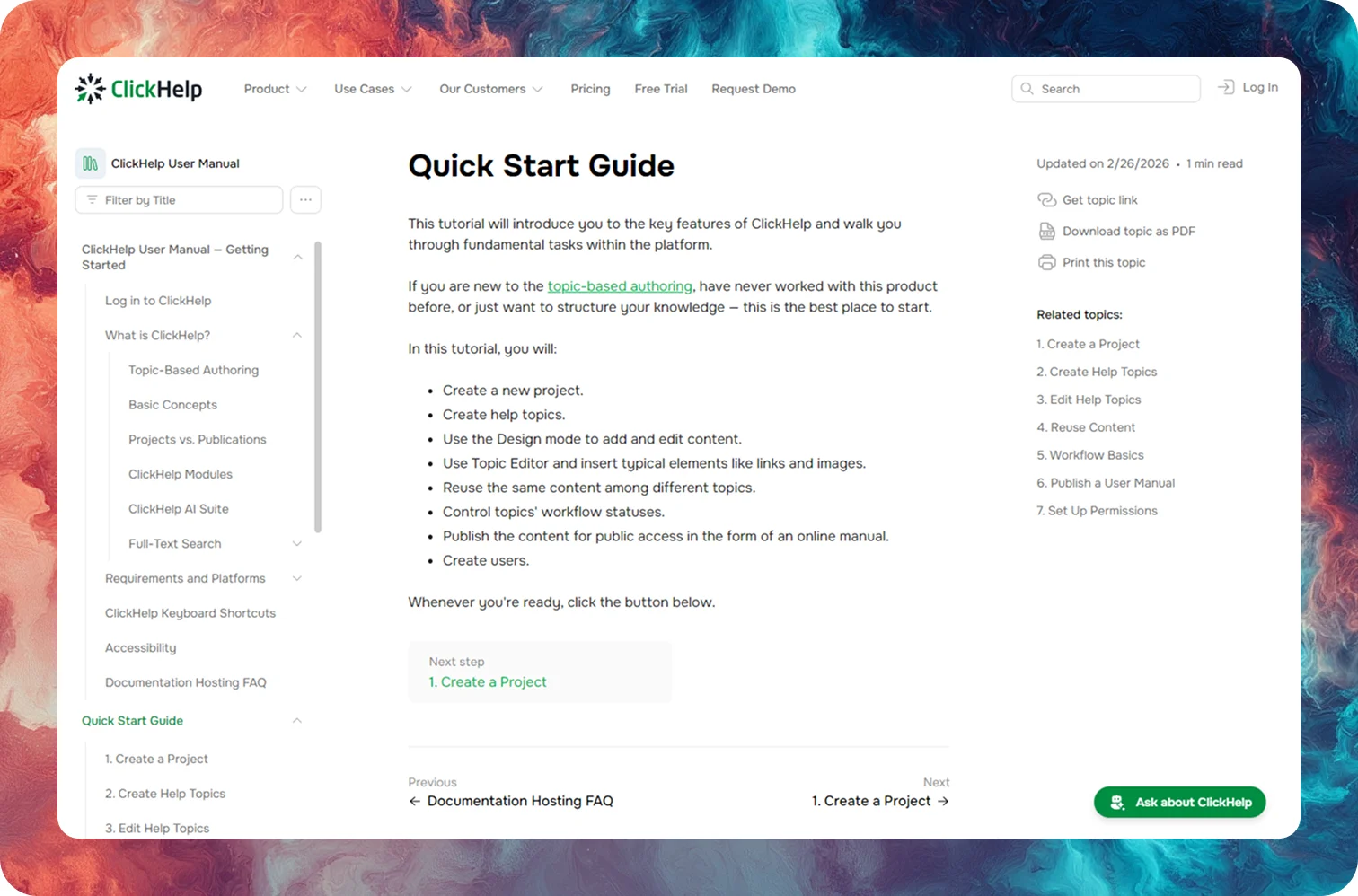
But it's not just another template. Built completely from scratch, the new reader UI serves as the foundation for AI compatibility. It ensures that when an AI bot or search crawler visits your page, it has easy access to the actual content. This visibility allows tools like Google, ChatGPT, and Claude to index your documentation and provide accurate answers based on your text.
The UI is also much faster for human readers and is fully WCAG 2.2 AA compliant. As a bonus, link previews in Slack, Jira, or LinkedIn show actual titles and text snippets from your articles.
Native markdown access
Since most AI tools and developers prefer Markdown over HTML, we added three ways to access your content in this format.
You can now append .md to any topic URL to get the page as clean text. AI coding assistants like Cursor or Claude Code use this to ingest your docs without getting lost in website navigation. For manual tasks, the new Copy Markdown button lets both readers and authors copy content directly to the clipboard for use in AI chats.
To help AI agents understand your entire portal at once, we also introduced llms.txt support under Settings → AI Integrations.
ClickHelp MCP server
The ClickHelp MCP (Model Context Protocol) server lets AI agents work with your portal directly. With this integration, an AI can read your topics, analyze the entire knowledge base, and draft new content within your ClickHelp project.
The MCP server is free through April. Contact success@clickhelp.com to set it up for testing.
Authoring & Publishing
Simplified publishing
We updated the most common publishing flow from inside the topic editor to make updates faster and easier. The Publish button now opens a focused dialog without any extra settings right where you are writing, so you can push changes in a couple clicks without leaving the editor.
Multiple topic templates
Contributors can now choose from multiple templates when creating a new topic. We included three defaults— Blank, How-to Guide, and Troubleshooting. You can add your own under Settings → Topic Templates. You can also set any template as the default.
Quick Parts editor
Quick Parts have a new visual editor. This makes it easier to organize and edit your reusable content in one place.
| The new version will be gradually rolled out within a few weeks. You'll receive a notification 72 hours before your portal's update. The process is seamless with no service interruptions. |