This release helps AnswerGenius find answers when readers phrase questions differently from your docs, lets you add a Documentation Site on a ClickHelp subdomain with nothing to set up on your side, and brings Restricted publications to the Published Docs MCP Server.
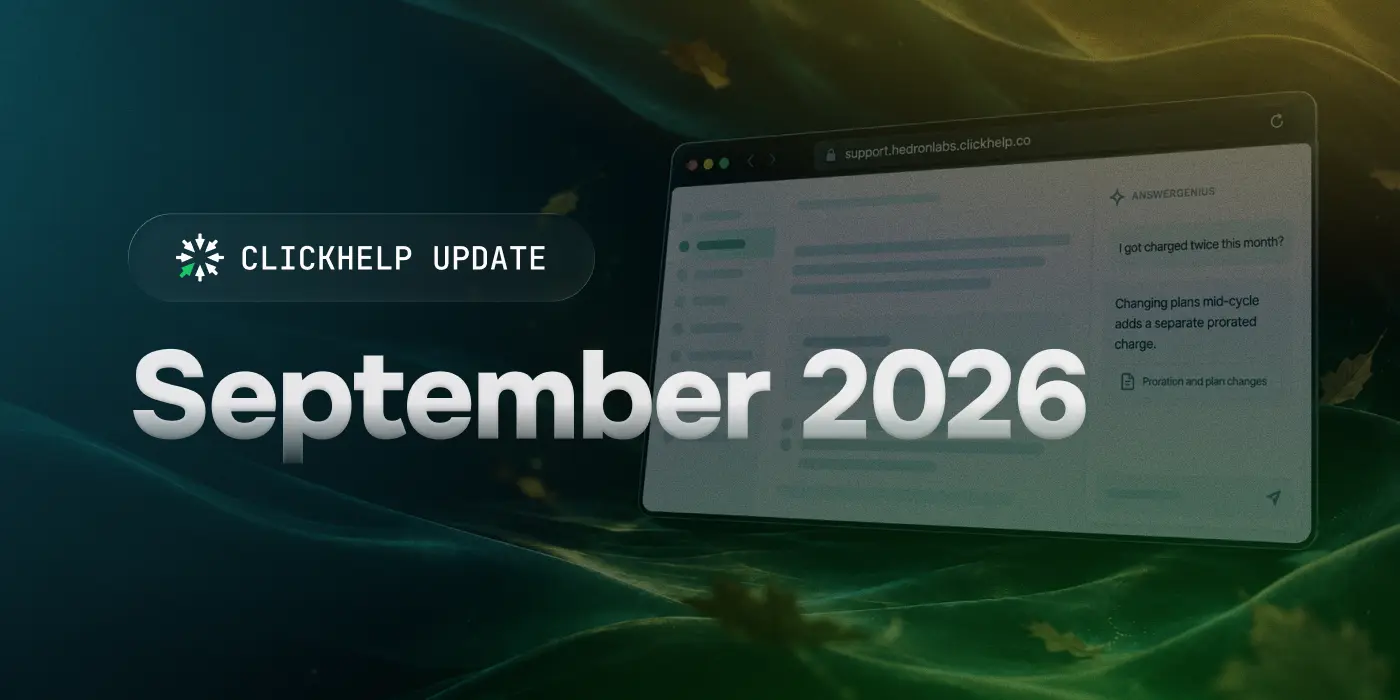
AnswerGenius finds answers when readers use different words
AnswerGenius now searches your content by meaning as well as by keywords. When readers describe a problem in their own words rather than the terms your docs use, AnswerGenius can still find the right topic and answer from it. AnswerGenius also uses a newer AI model to write its answers.
Add a Documentation Site without setting up a domain
You can now put a new Documentation Site on a ClickHelp subdomain, such as support.yourportal.clickhelp.co. You choose the name, and ClickHelp takes care of the address and the security certificate. This is a quick way to try a multi-site setup or run a site when you don't have a domain of your own.
Sites on your own domain work as before, and one portal can have both. A subdomain site counts toward your license's site limit like any other site.
Restricted publications in the Published Docs MCP Server
Power Readers can now connect their AI agent to Restricted publications through the Published Docs MCP Server. The agent reaches the same publications the Power Reader can open in the portal.
Out of beta
Multi-site setup, the Next Reader UI template, PDF Import, the Block-based Topic Editor, and the Home Page Editor are now generally available.
Improvements
- Starting with this release, the Google Translate widget in legacy Reader UI templates is provided as-is. Google no longer maintains it, and we no longer support it, but it stays available. Machine Translation through Google Cloud Translation and browser translation are not affected. See Google Translate Widget Alternatives.
- You can export AnswerGenius Report data for a selected period to CSV.
- API requests to AnswerGenius can now be marked as test requests. They consume CAPs like regular requests but don't appear in the AnswerGenius Report, so you can test prompts and integrations without skewing your analytics.
- WriteAssist now runs on a newer AI model.
- You can collapse the left navigation panel in reports, project and portal settings, and topic properties to give content more room.
- Reader Feedback and index keyword navigation are now available in the Next Reader UI.
- Czech is now supported in both Reader UI versions.
- My Subscription now uses the current module names, lists all add-ons, and shows how many Documentation Sites you have, with an option to request more.
- We rebuilt the profile page where Power Readers manage their personal details. If you styled this page with custom CSS, check how it looks after the update.
- Fixed an issue that could prevent search engines from indexing some pages correctly.
- Fixed an issue where AI agents connected through the Published Docs MCP Server couldn't see some of your publications.
| The new version will be gradually rolled out within a few weeks. You'll receive a notification 72 hours before your portal's update. The process is seamless with no service interruptions. |